
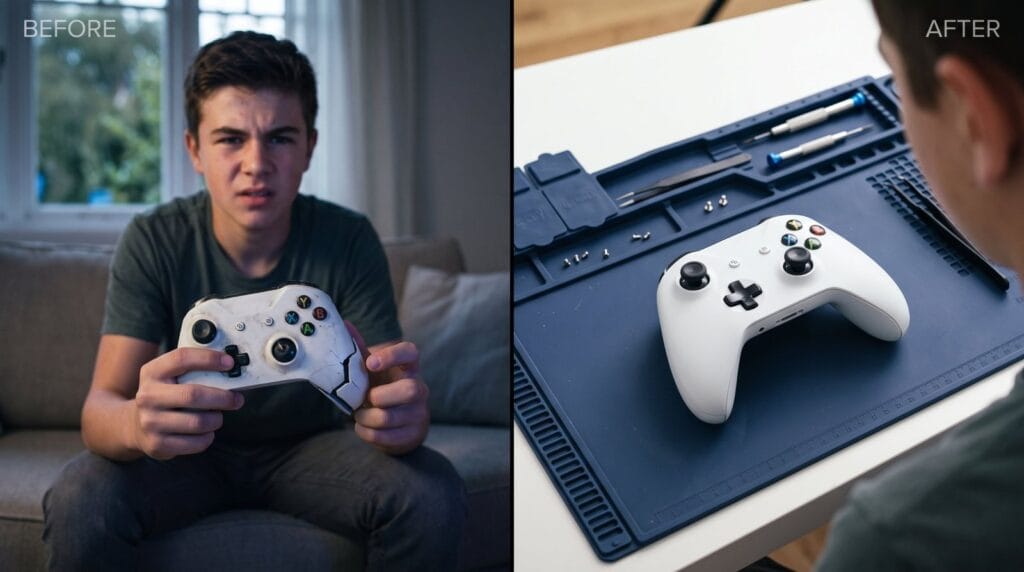
You plug in your DualSense before bed, expecting a full battery in the morning, and it's still dead. A PS5 controller not charging is usually a quick fix, but it can also point to a worn USB-C port or a tired battery.
This guide walks through the checks in the order that saves you the most time, from the easy stuff to the signs it needs a repair.
Quick answer: With a PS5 controller not charging, try a different USB-C cable and a different port first, then check that Rest Mode supplies power to USB ports. If that doesn't help, reset the controller with the button near L2. A loose, wobbly connection or no light at all with any cable usually means the USB-C port or battery needs repair.
How to tell if it's actually charging
When a DualSense charges, the light bar pulses slowly in orange while the console is in Rest Mode. When it's full, the light turns off. While the console is on, you can check the battery level in the Control Center by pressing the PS button.
Signs of a real PS5 controller not charging problem:
- no orange pulse at all when plugged into a console in Rest Mode
- the battery icon doesn't change after an hour plugged in
- it only charges when you hold the cable at a certain angle
- it charges, but dies after a short session
Want it looked at? We service PS5, Xbox and Switch consoles at our Albany store. Call (518) 330-9899
PS5 controller not charging? 8 checks to try first
Work through these in order. Each one rules something out.
- Swap the cable. USB-C cables fail more often than ports. Use one that's known to carry data and power, not a cheap charge-only cable.
- Try a different USB port on the console, or a wall charger you trust.
- Check Rest Mode power. Go to Settings → System → Power Saving → Features Available in Rest Mode → Supply Power to USB Ports, and choose Always or 3 Hours.
- Look inside the port with a flashlight. Lint and grit from pockets and couches can stop the cable seating fully.
- Clean it gently with a wooden toothpick or a soft, dry brush. Never use metal, and never spray liquid inside.
- Reset the controller. Turn off the PS5, then press the small reset button in the hole on the back of the DualSense, near the L2 button, for a few seconds with a paperclip. Reconnect with a cable and press the PS button.
- Update the controller. The PS5 will prompt you if a controller update is available. Keep it plugged in until it finishes.
- Let it warm up. A controller left in a cold car through a Capital Region winter may refuse to charge until it reaches room temperature.
Sony's PlayStation support site lists the current controller troubleshooting steps if your menus look different.
Is it the cable, the port or the battery?
Here's a quick way to narrow down a PS5 controller not charging.
Likely the cable
- the controller charges with a different cable
- the cable has bends, fraying or a loose end
- the cable works for some devices but not others
Likely the USB-C port
- the cable feels loose or falls out easily
- it only charges at a certain angle
- you can see bent pins or damage inside the port
- several known-good cables all fail
Likely the battery
- it charges, but the level drops quickly in play
- it shuts off suddenly at what looks like half charge
- the controller is a few years old and gets heavy daily use
- the back cover looks slightly raised or the shell gaps have widened
A swollen battery is a safety issue. Stop charging it, don't press on it, and never throw it in household trash.
Charging stations: helpful, with one catch
Charging docks are great for keeping two controllers topped up, but they charge through small contacts on the bottom, not the USB-C port. If the dock works but the cable doesn't, the port is the likely problem. If neither works, the battery or charging board is more likely.
Keep dock contacts clean with a dry cloth, and seat the controller firmly so the light confirms it's charging.
Charging habits that protect the port
Port damage often comes from strain, not age, and it's a common reason for a PS5 controller not charging. A few habits help:
- Don't play with the cable pulled tight from across the room. Use a longer cable or a charging dock instead.
- Unplug straight out, never at an angle.
- Keep the controller off the floor when it's plugged in, so nobody trips over the cable.
- Use a quality USB-C cable. Our post on safe chargers and cables explains what to look for, and our chargers section has reliable options.
Repair or replace the controller?
A PS5 controller not charging is often worth repairing, especially if the sticks and buttons are fine. A port or battery replacement means opening the controller. If it's still under Sony's warranty, check with Sony first, because opening it can affect the warranty.
If the controller also drifts, it may make sense to fix both at once. Our guide to controller stick drift explains how that repair works.
When to bring it in
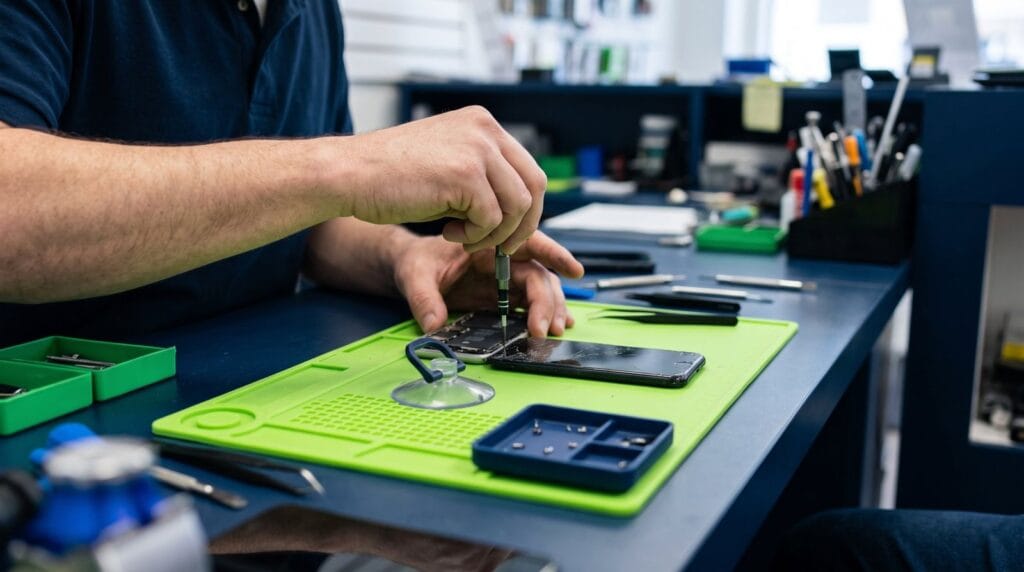
Bring the controller in if a new cable doesn't help, the port is loose, or the battery dies quickly. We'll test the cable, port and battery and tell you what we find before any work.
Whether you're a student in Center Square or gaming at home in Cohoes or Menands, you can walk in to 232 Washington Ave, Albany, open Mon–Sat 10 AM – 9 PM, Sun 10 AM – 8 PM. Contact us, call (518) 330-9899, or see our controller repair services.
Frequently asked questions
Why is my PS5 controller not charging in Rest Mode?
Check Settings → System → Power Saving → Features Available in Rest Mode → Supply Power to USB Ports. If it's turned off, the controller won't charge while the console sleeps.
What color is the DualSense light when charging?
The light bar pulses slowly in orange while charging in Rest Mode and turns off when the battery is full.
Where is the reset button on a PS5 controller?
In a small hole on the back of the DualSense, near the L2 button. Press it with a paperclip for a few seconds.
Can a PS5 controller battery be replaced?
Yes. It requires opening the controller, which can affect Sony's warranty if it's still covered.
Will any USB-C cable charge a DualSense?
Most good USB-C cables work, but cheap or damaged cables often fail. Try a known-good cable before assuming the port is broken.
Keep reading
Gaming & Consoles
How to Clean a Game Console Safely: PS5, Xbox, Switch 2 and Controllers
Dust is the quiet enemy of every console. Here's a safe cleaning routine for the outside, the vents and your controllers, plus…

Phone Problems
iPhone 17 Problems: Won’t Charge at 0%, Scratches, Dents, Wi-Fi Drops and More
A dead iPhone 17 that won't take a cable, a scuffed back, or Bluetooth that keeps dropping. Here's what's been fixed in…
Phone Problems
iPhone 16 Problems: Camera Control, Battery Drain, Frozen Touch and Cracked Screens
The Camera Control button zooms on its own, the battery dips faster than it should, or the glass finally cracked. Here's what's…