
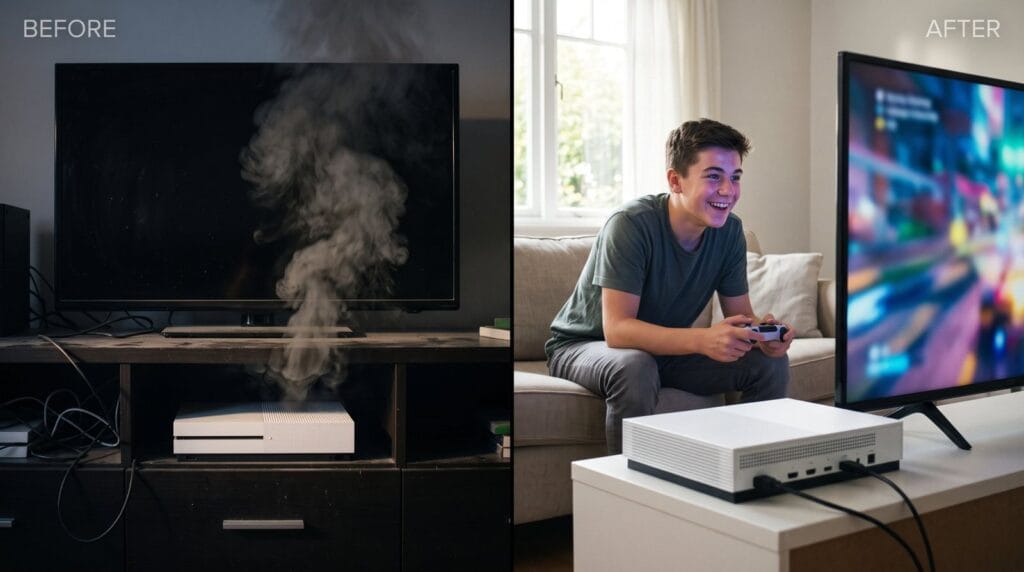
You pull the console off the shelf and there's a gray layer of dust on top, a fuzzy film over the vents and a sticky controller nearby. Knowing how to clean a game console properly keeps it quieter, cooler and working longer, and it only takes about 20 minutes.
This guide gives you a simple routine for the PS5, Xbox Series X|S and Nintendo Switch 2, plus controllers, and explains which jobs are safe at home and which aren't.
Quick answer: Here's how to clean a game console safely: turn it off and unplug it, wipe the outside with a dry microfiber cloth, clear the vents with short bursts of compressed air held upright, and clean ports with a soft dry brush. Never spray liquid into the console, and leave internal cleaning to a professional.
Why cleaning matters more than you think
Consoles pull air through their vents to stay cool, and that air carries dust, pet hair and lint. Over months, it builds up on the fan and heatsink inside. The result:
- the fan spins faster and louder
- the console runs hotter
- performance can drop or the console can shut down
- dust can reach ports and the disc drive
If your console is already running hot, see our guides to PS5 overheating and Xbox Series X overheating for model-specific checks.
Want it looked at? We service PS5, Xbox and Switch consoles at our Albany store. Call (518) 330-9899
What you'll need
Learning how to clean a game console doesn't require special kits.
- a dry microfiber cloth (two if possible)
- a can of compressed air or a small electric air blower
- a soft, dry brush, like a clean makeup brush or small paintbrush
- wooden toothpicks for ports and seams
- cotton swabs
- isopropyl alcohol (for controllers only, lightly applied to a cloth or swab)
Don't use: household sprays, glass cleaner, bleach wipes, water poured onto anything, or a vacuum held directly against the vents.
How to clean a game console: 6 steps
Follow these steps for any home console:
- Shut it down fully and unplug it. Not Rest Mode, a full shutdown. Wait a few minutes for it to cool.
- Dust the outside. Wipe the top and sides with a dry microfiber cloth. Work in one direction rather than circles, so you lift dust instead of spreading it.
- Clear the vents. Hold the compressed air can upright and use short bursts across the vents, from a short distance. Don't tilt the can, which can spray cold liquid.
- Clean the ports. Use a soft brush or a quick puff of air on the HDMI, USB and power ports. A toothpick can gently lift lint, but never use metal.
- Wipe cables. Dust the power and HDMI cables and check them for kinks or damage while you're there.
- Clean the shelf. A dusty shelf will refill the vents within weeks.
Tip: don't blast compressed air directly into the fan to make it spin fast. Over-spinning can damage the fan's bearings.
Console-specific tips
PS5
On the original PS5, Sony designed the side covers to come off so owners can vacuum two dust catcher holes. Sony explains this on its support site. Going deeper than that means opening the console.
Xbox Series X|S
The Series X pushes hot air out through the large vent on top, so that vent collects dust quickly. Microsoft's Xbox support site has official cleaning guidance for the console and controllers.
Nintendo Switch 2
- Wipe the screen with a dry microfiber cloth, or one lightly dampened with water.
- Brush lint from the magnetic Joy-Con 2 connectors so they attach firmly.
- Clean the dock's vents and USB-C connector with a soft, dry brush.
Our guide to Nintendo Switch 2 care covers more everyday habits.
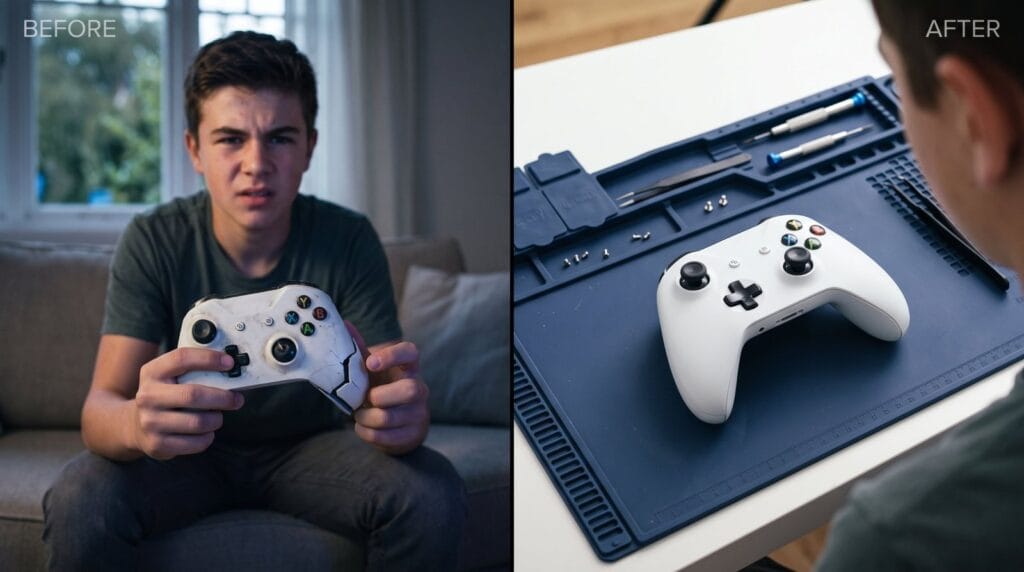
Cleaning controllers
Controllers get the dirtiest because they're in your hands for hours.
- Turn off or unplug the controller. Remove AA batteries from Xbox controllers.
- Wipe the shell with a cloth lightly dampened with isopropyl alcohol. Never pour or spray it directly.
- Clean around the buttons and sticks with a swab. Press each button while cleaning to loosen grime.
- Use a toothpick for the seams and around the sticks.
- Brush the charging port with a soft, dry brush.
- Let it dry fully before using or charging it.
Sticky buttons and grime around the sticks can make a controller feel worn, but true drift is a different issue. Our post on controller stick drift explains the difference.
How often should you clean?
There's no fixed schedule for how to clean a game console; it depends on your home:
- Every month or two: a quick outside dust and vent clear.
- More often: if you have pets, carpet, smokers in the home or a console near a heating vent.
- Every few years, or when the fan gets loud: an internal clean by a professional.
Homes in Westmere, Voorheesville or Green Island with forced-air heating often see more dust in winter, when windows stay closed and the furnace runs for months.
What not to do at home
Knowing how to clean a game console also means knowing where to stop.
- Don't open the console to clean the fan or heatsink unless you know what you're doing. If it's under the manufacturer's warranty, opening it can affect that warranty.
- Don't use liquids on vents, ports or anything internal.
- Don't use a household vacuum directly on the vents. It can create static and pull on small parts.
- Don't clean while it's plugged in or still hot.
When a professional clean makes sense
If you've cleaned the outside and the console is still loud or hot, dust is probably packed inside. An internal clean removes dust from the fan and heatsink and, where needed, replaces dried-out thermal material.
We do internal cleans for PS5, Xbox and other consoles, and we'll tell you what we find before any work. Walk in to 232 Washington Ave, Albany, open Mon–Sat 10 AM – 9 PM, Sun 10 AM – 8 PM. Contact us, call (518) 330-9899, or see our console services.
Frequently asked questions
How to clean a game console without damaging it?
Turn it off and unplug it, wipe it with a dry microfiber cloth, use short bursts of compressed air on the vents, and never use liquids or open it while it's under warranty.
Can I vacuum my console's vents?
Not directly. A vacuum can create static. Use compressed air or a soft brush instead.
Is isopropyl alcohol safe for controllers?
Yes, lightly applied to a cloth or swab. Never pour or spray it onto the controller.
How do I know if my console needs an internal clean?
If the fan stays loud or the console runs hot after you've cleaned the outside and vents, dust is likely packed inside.
Does cleaning the outside affect my warranty?
No. Cleaning the outside and vents is normal care. Opening the console is what can affect the warranty.
Keep reading
Gaming & Consoles
PS5 Controller Not Charging? How to Tell If It’s the Cable, the Port or the Battery
You plug in your DualSense, wait, and the light bar stays dark. Here's how to find out whether it's the cable, a…
Phone Problems
iPhone 16 Problems: Camera Control, Battery Drain, Frozen Touch and Cracked Screens
The Camera Control button zooms on its own, the battery dips faster than it should, or the glass finally cracked. Here's what's…
Laptops & MacBooks
MacBook Screen Flickering or Showing Lines? How to Tell Software From Hardware
A flicker, a line or a strange glow at the bottom of the screen can be a setting or a failing part.…