
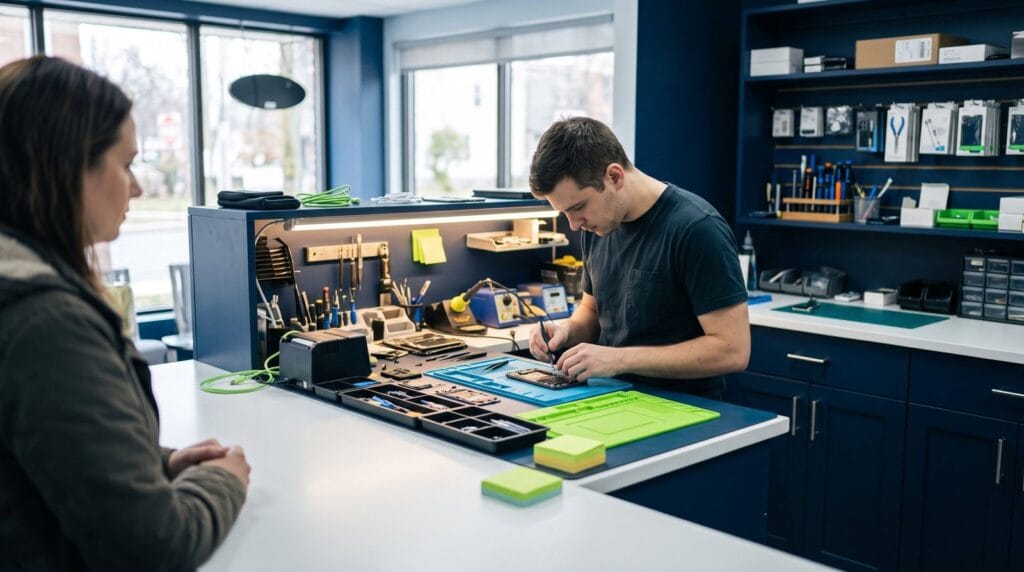
It started as one small crack in the corner. Now there’s a green line down the middle, and the keyboard misses every third tap.
If that sounds like your phone, an iPhone screen replacement is probably the fix. This guide covers the iPhone 15, 16 and 17 families: how to tell glass damage from display damage, the screen options, what happens to Face ID and True Tone, and what to expect when you walk in.
Quick answer: You need an iPhone screen replacement when the display shows lines, black spots, flicker or dead touch areas, or when cracked glass is sharp and spreading. On the iPhone 15, 16 and 17 the glass and display are one part, so the whole screen is replaced. Your photos and apps stay on the phone.
7 things to know before an iPhone screen replacement
- The glass and the display are fused together, so they’re replaced as one unit.
- Your data stays on the phone. A screen swap doesn’t touch storage.
- Face ID sensors sit at the top of the phone and are handled carefully during the job.
- True Tone and auto-brightness depend on the part and how it’s set up.
- iOS shows whether a screen is a genuine Apple part.
- Many iPhone screen jobs are done the same day when the part is in stock.
- A case and protector afterward protect your investment.
Need it sorted today? Most iPhone 15, 16 and 17 screen jobs are done same day at our Albany store. Call (518) 330-9899
Signs you need a new screen
Not every crack needs an iPhone screen replacement right away. These signs mean the display underneath is damaged:
- Green, pink or white lines
- Black spots or ink-like patches that spread
- Flickering, or a screen that goes dark but the phone still rings
- Ghost touches, where apps open on their own
- A dead zone where touch never works
- Glass lifting at the edge, which can also mean a swollen battery
If the picture is perfect and touch works everywhere, you have a little time. Cover sharp edges with clear tape and back up now. Our guide to a cracked iPhone screen explains the first steps.
Glass only vs display damage
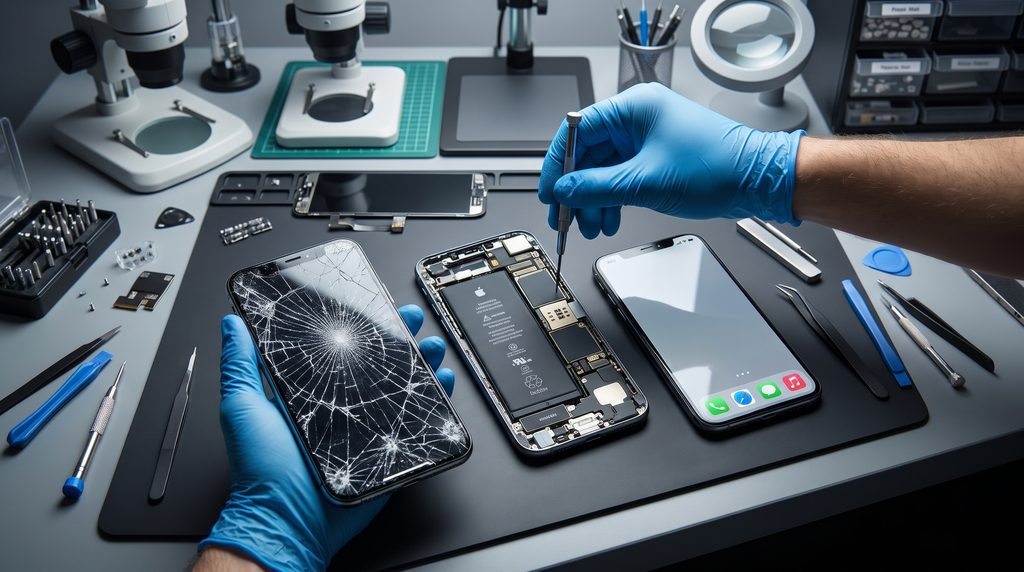
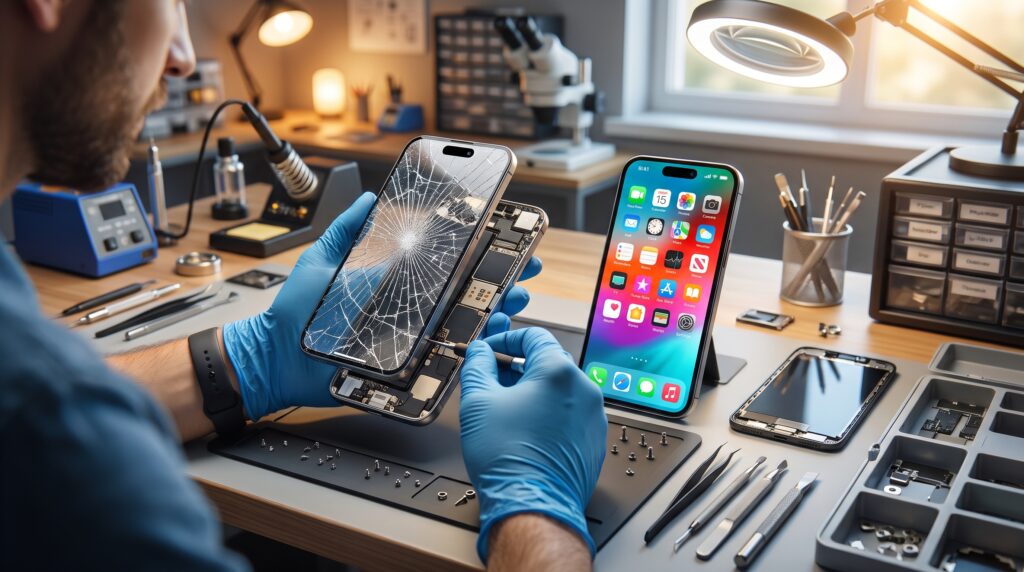
On older phones, shops sometimes replaced only the outer glass. On the iPhone 15, 16 and 17, the glass, touch layer and OLED display are bonded together. That’s why an iPhone screen replacement on these models means a full new screen assembly, even if only the glass looks broken.
The upside: you get a fresh, clear screen with no hidden damage underneath.
Your screen options
You’ll usually hear about two kinds of replacement screens:
- Original-quality OLED screens match the brightness, colors and sharpness the phone came with, and they’re closest to the factory look.
- Aftermarket screens vary a lot. Some are good. Others are dimmer, thicker or less accurate in color.
Ask which type you’re getting, and look at it lit up before you leave. Our article on original vs aftermarket screens compares them in detail.
Check it yourself: After any iPhone screen replacement, go to Settings → General → About and look for Parts and Service History. iOS shows whether the display is a genuine Apple part or an unknown part.
Face ID, True Tone and touch
The Face ID sensors live in the TrueDepth area at the top of the phone. A careful technician keeps them connected and undamaged, and you should test Face ID before you leave.
True Tone adjusts the screen color to the room’s light. Whether it works after a new screen depends on the part and setup, so ask about it upfront. Then test it in Settings → Display & Brightness.
Also test the touch in every corner by moving an app icon around the screen.
How long does it take?
Many iPhone screen replacement jobs are done the same day when the part is in stock. Newer or less common models sometimes need a part ordered. Call ahead with your exact model, like “iPhone 16 Pro Max,” so the part can be checked before you come in.
What it costs
Price depends on the model, the type of screen, and whether there’s other damage, like a bent frame or a battery issue found during the job. Bigger Pro Max screens usually cost more than standard models. For a clear quote, call with your model or walk in. Our phone screen repair cost guide explains what changes the price.
Before you hand over your phone
- Back up to iCloud or a computer.
- Know your passcode, so the screen can be tested after the job.
- Remove the case and any loose screen protector.
- Tell us about any other issues, like a weak battery, so we can check them too.
Our prepare your phone before repair checklist and is my data safe guide cover the details.
For students and families
If you’re at UAlbany, Siena College in Loudonville or Hudson Valley Community College in Troy, a cracked screen right before exams is a nightmare. Parents in Delmar and Guilderland often bring in a teen’s phone after a weekend drop. Walk in early in the day for the best chance of same-day service, and add a tempered glass protector from our screen protectors wall afterward.
Get an iPhone screen replacement quote in Albany
Walk in to 232 Washington Ave, Albany, open Mon–Sat 10 AM – 9 PM, Sun 10 AM – 8 PM. Contact us, see all our services, or call (518) 330-9899 with your iPhone model. Apple also lists its own options on Apple Support.
Frequently asked questions
Will I lose my data during an iPhone screen replacement?
No. A new screen doesn’t touch your storage, so photos, apps and messages stay put. We still recommend a fresh backup before any service.
Can you replace only the glass on an iPhone 15, 16 or 17?
No. On these models the glass and OLED display are bonded together, so the whole screen assembly is replaced.
Will Face ID work after a new screen?
Face ID sensors are at the top of the phone and are kept connected during the job. Test Face ID before you leave the store.
How do I know if my new iPhone screen is genuine?
Go to Settings → General → About → Parts and Service History. iOS shows whether the display is a genuine Apple part or an unknown part.
How long does an iPhone screen replacement take?
Many are done the same day when the part is in stock. Call ahead with your exact model so the part can be checked.
Keep reading
Phone Problems
iPhone 15, 16 and 17 Battery Replacement: Signs It’s Time, What Happens and How to Make It Last
Your iPhone dies at 20%, slows down in the cold, or needs a charger by lunch. Here's how to tell if it…
Phone Problems
iPhone 15 Problems in 2026: Heat, Battery, USB-C and Screen Issues (and What Fixes Them)
Your iPhone 15 is now a few years old, and the little quirks are adding up. Here's what's normal, what a setting…

Gaming & Consoles
PS5 Controller Not Charging? How to Tell If It’s the Cable, the Port or the Battery
You plug in your DualSense, wait, and the light bar stays dark. Here's how to find out whether it's the cable, a…